Data Import
Work with Any Standard Geospatial Format
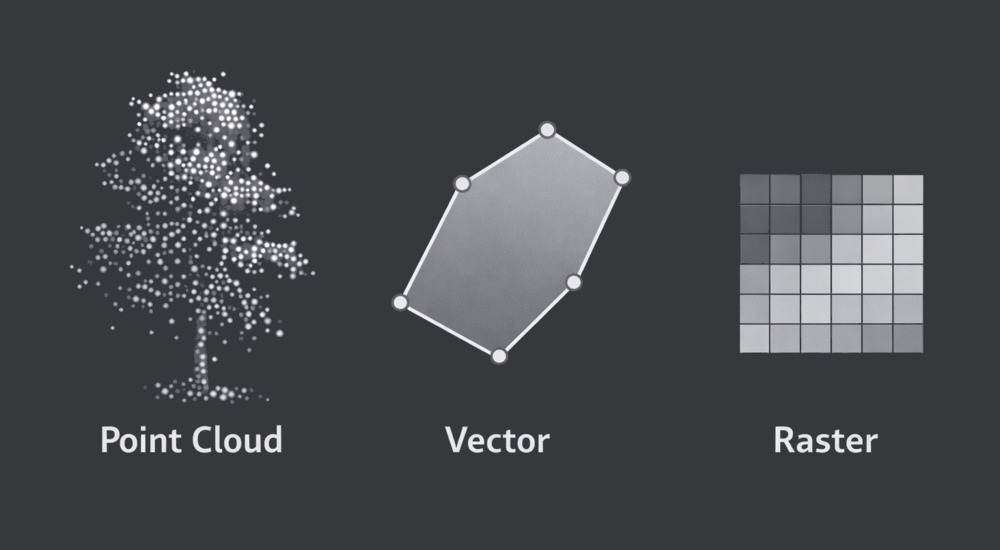
LIS Pro 3D supports the seamless import of point cloud, vector, and raster data from a wide range of sources. To ensure maximum flexibility, it provides a comprehensive set of tools for reading and managing numerous industry-standard formats. For vector and raster data, LIS Pro 3D relies primarily on the powerful capabilities of the Geospatial Data Abstraction Library (GDAL).
Besides integrating the Point Data Abstraction Library (PDAL), LIS Pro 3D includes its own dedicated import/export library. This library offers optimized tools for reading LAS/LAZ files, RIEGL’s RDB and RXP formats, as well as ASCII-based point cloud data. Advanced import options allow users to selectively load specific attributes, spatial extents, or classification classes - reducing memory usage and improving processing efficiency from the outset.
Process Massive Datasets Without Reorganizing Your Files
Internally, point cloud data is stored in SAGA’s native point cloud format, essentially a compressed binary table structure with columns for X, Y, Z coordinates and user-defined attributes. This architecture provides ignificantly greater flexibility than many conventional point cloud formats. Attributes of different data types - such as integers, floating-point values, or strings - can be dynamically added during processing, making the format particularly well suited for complex analytical workflows.
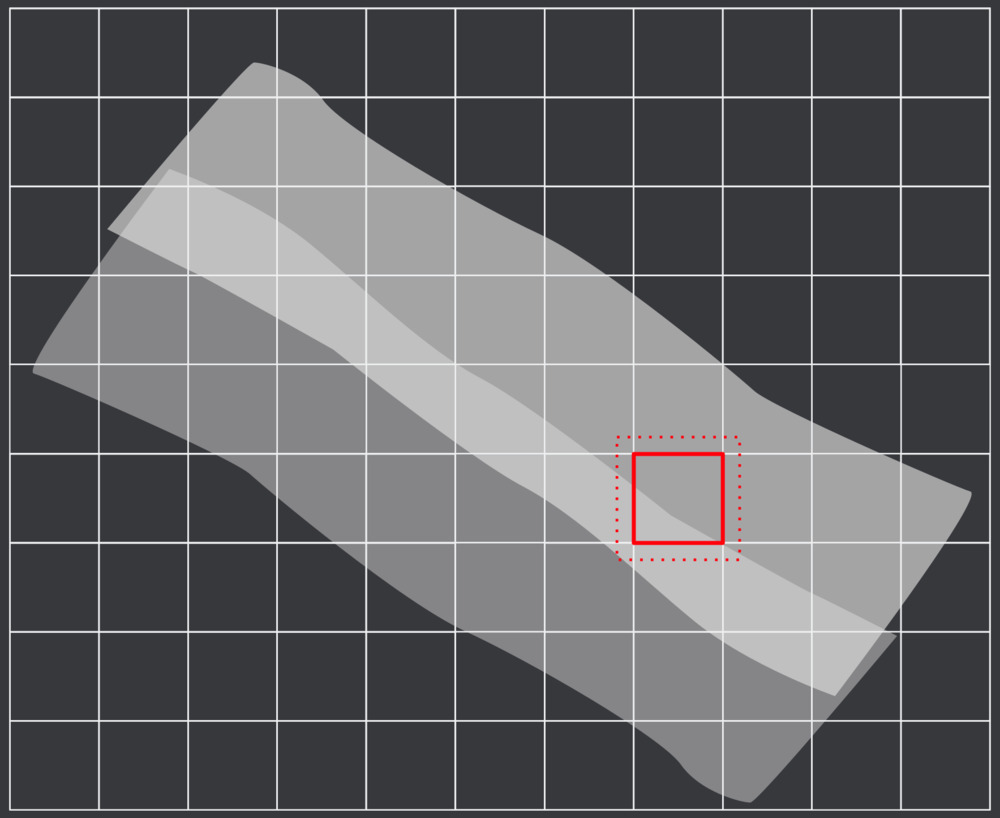
LIS Pro 3D provides specialized tools for building virtual data catalogs directly from LAS/LAZ files, Riegl RDB files, and SAGA point cloud datasets. For large-area projects, this approach is typically preferred over importing individual datasets. Instead of duplicating data, the software references the original files and organizes them into a structured catalog. This strategy avoids unnecessary data duplication - saving storage space - and enables flexible AOI queries that are independent of the original tiling scheme. In practice, this means you can define and process data using any tiling structure that best fits your workflow. For LAS/LAZ datasets, a spatial index can be generated to significantly accelerate spatial queries. In the case of cloud-optimized LAS/LAZ files, the internal index structure is used directly, ensuring efficient access without additional preprocessing steps.
For raster data like GeoTIFF, the GDAL VRT driver is used to organize multiple datasets into a virtual data catalog, enabling them to be treated as a single logical dataset. Like with point cloud data, this is especially useful when working with tiled data structures, where Area-of-Interest (AOI) queries can be performed efficiently across many individual tiles.
Each of our tutorials includes a dedicated section that describes data import!